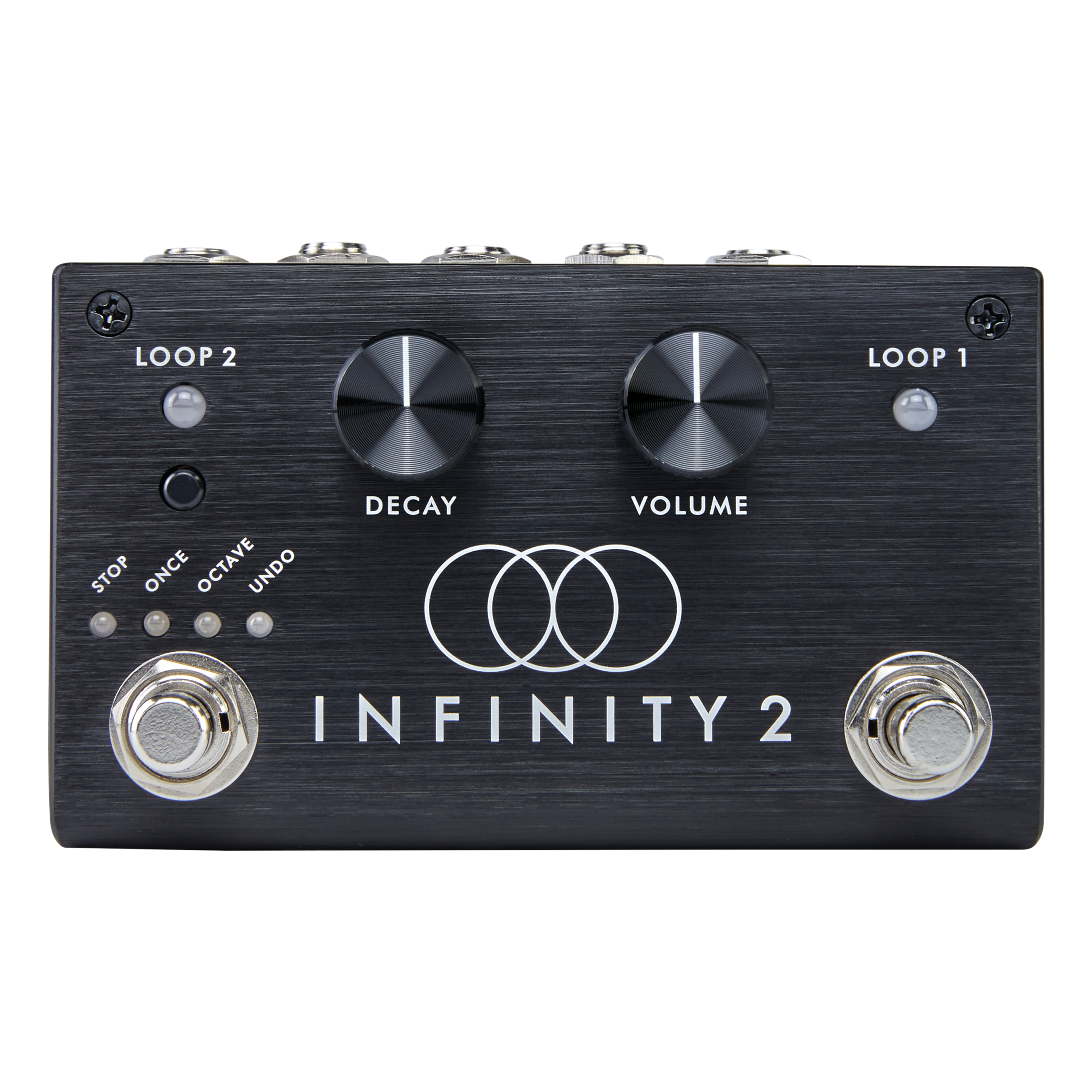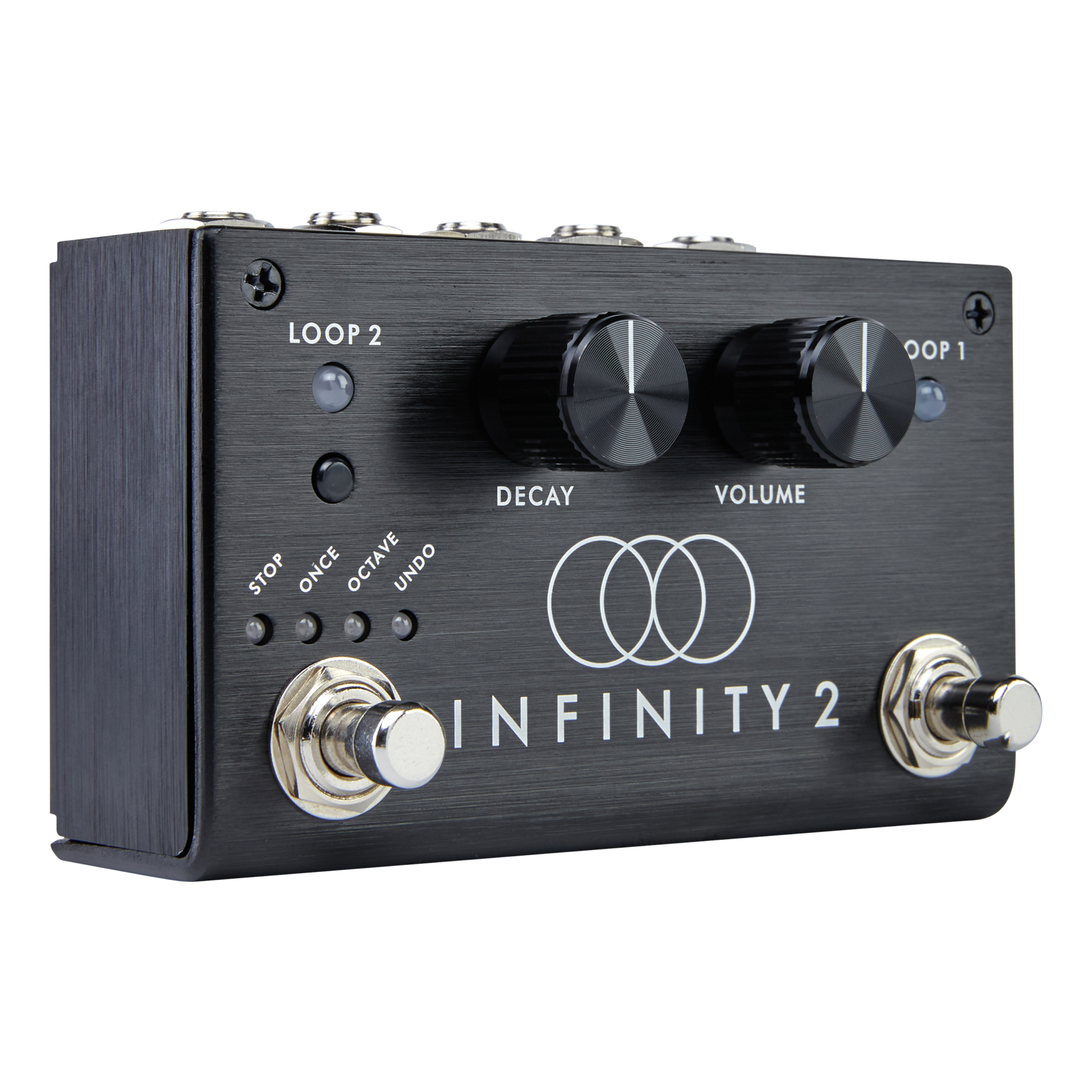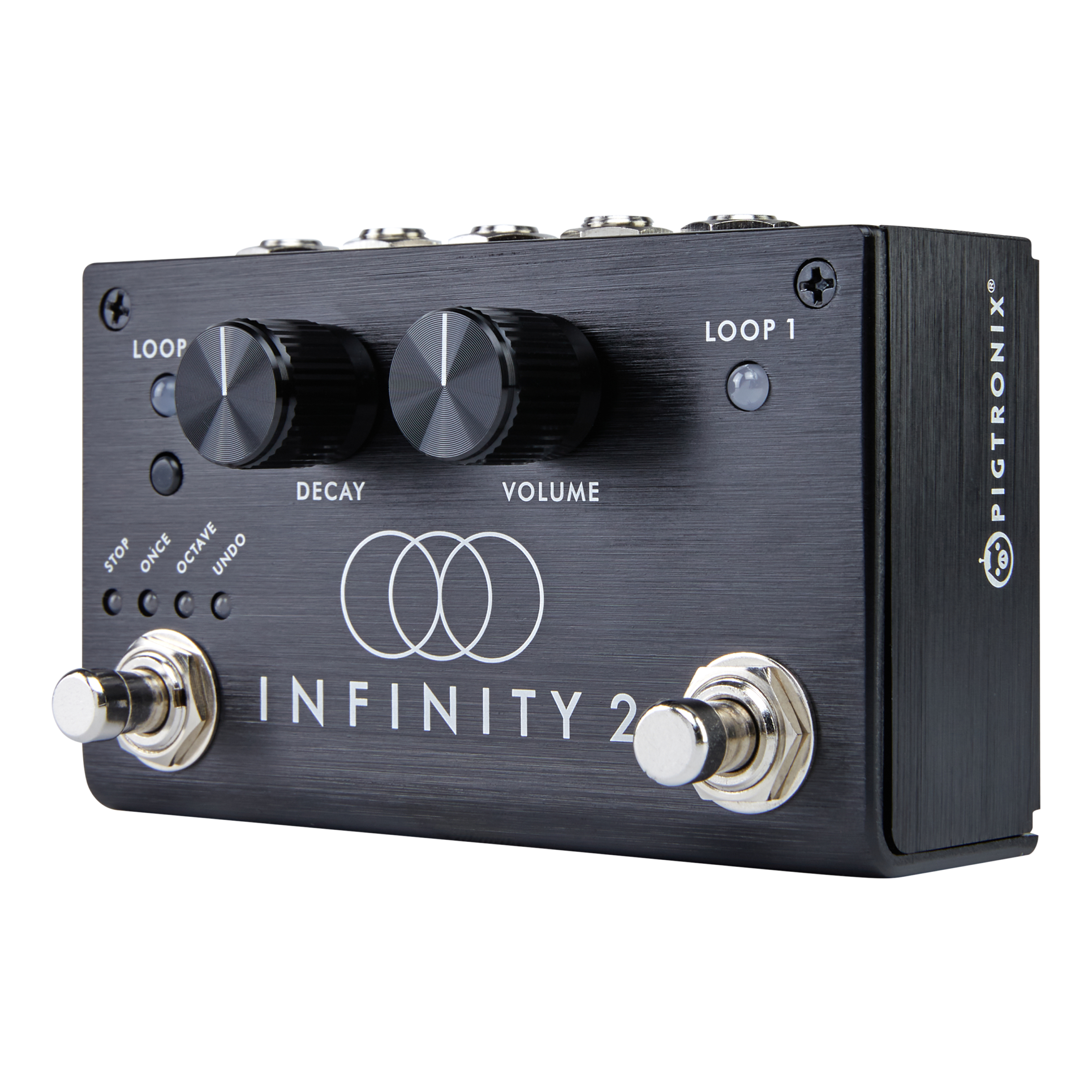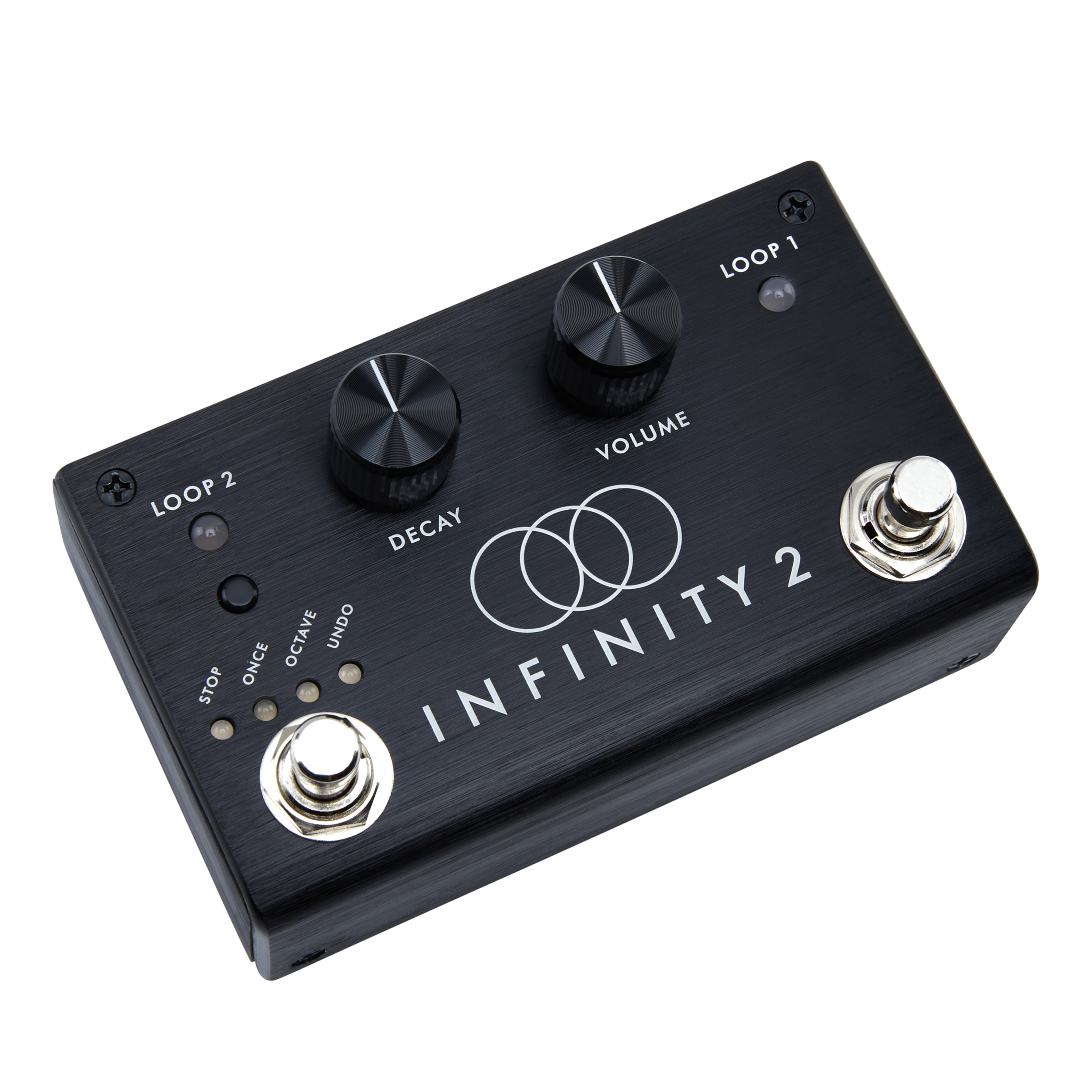
Infinity Looper Blog

Major Firmware Update for Infinity Looper Announced – Reverse Playback and Phil Keaggy Updates

Pigtronix is proud to announce a major new, free firmware update for the Infinity Looper pedal.To install the update, run the firmware update function from the Infinity Looper Application or grab it from here:http://pigtronix.com/SPLfirmware/

New features included in this update are:

Reverse Playback
Rec –> Overdub –> Play
Trails and Fade STOP override
Instant Clear
Series mode overdub commit
Click Killer option 

Here are the details

1) Reverse mode. It is now possible to reverse a loop. Here are a few things to remember:

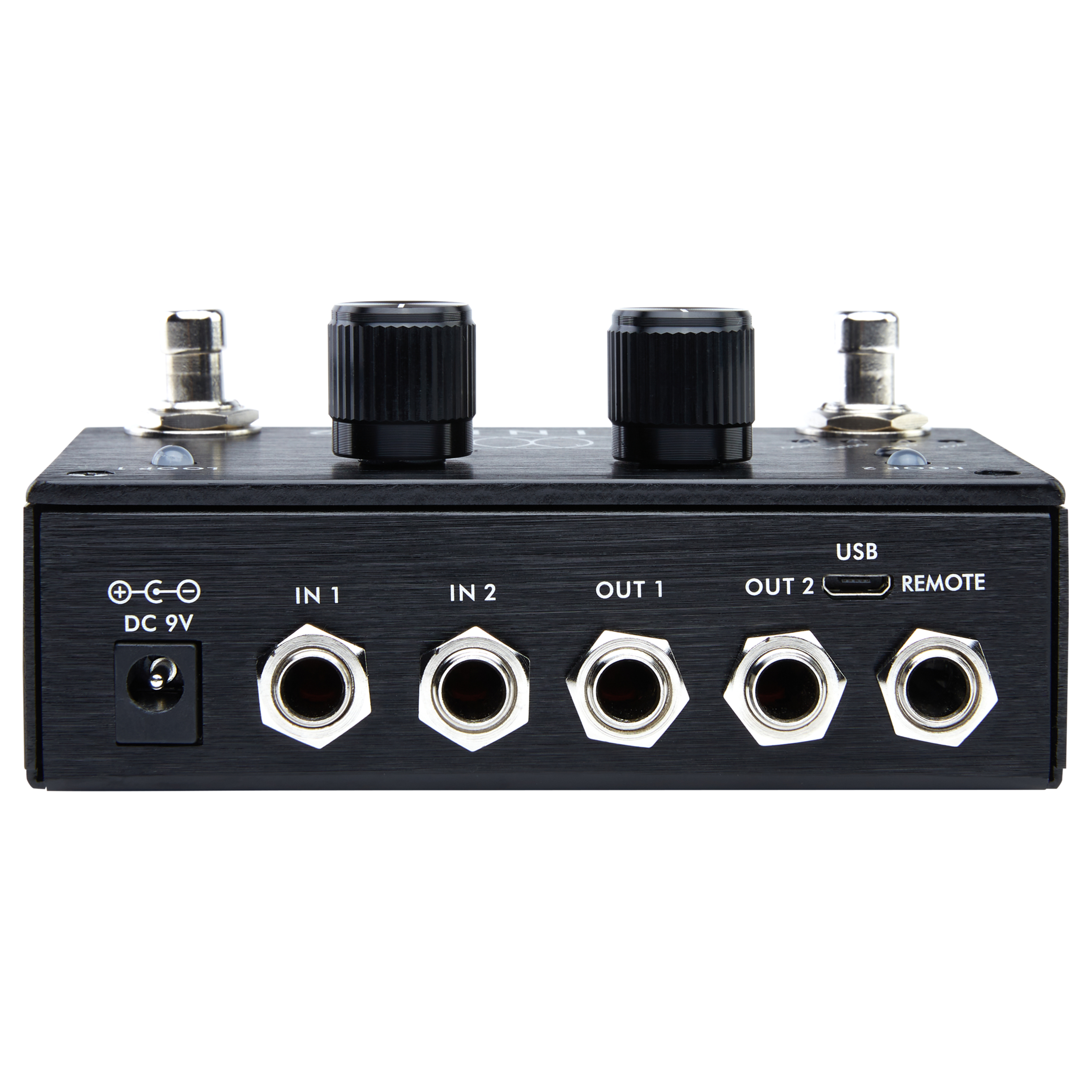
- REVERSE is triggered by shorting the RING to the SLEEVE of the UNDO jack. This is accomplished by connecting any two-button, momentary footswitch (such as the BOSS FS-6) to the UNDO jack with a TRS cable. Pigtronix will be manufacturing a dedicated Infinity Remote switch pedal soon.

- Pressing the REVERSE button means that REVERSE playback will be started at the beginning of the next loop cycle. Pressing REVERSE also works during the initial record of a loop.

- Once you are in REVERSE playback, pressing the REVERSE button means that playback will go forwards at the beginning of the next loop cycle.

- Once you are in REVERSE playback, you can use the UNDO switch to flip flop back and forth between forwards and reverse versions of the same layer instantly.

- Hitting REVERSE and then UNDO before the end of the loop cycle will cancel the REVERSE command.

2) Rec –> Overdub –> Play

- In response to numerous customer requests, we have implemented a feature that allows you to go directly from recording the base layer, straight into overdub mode. Once you have started the base layer recording, simply press the UNDO switch to close your initial loop and go straight into playback with overdub active. Press the appropriate Loop footswitch as you normally would to close the overdub when desired and begin regular playback.

3) Trails and Fade STOP override:

- It is now possible to override TRAIL and FADE stop modes by double pressing the STOP switch. This lets you simply leave the unit in TRAIL or FADE mode and retain the option to get a full stop by pressing the STOP footswitch twice in a row. Big thanks to Phil Keaggy for this excellent suggestion!

- Bug fix: Closing a loop initial record in FADE or TRAIL mode is now possible using STOP.

4) Instant Clear:

- When one or both loops are stopped, hitting UNDO will trigger an instant erase of the currently armed loop. This lets you simply leave the unit in ALL mode and retain the option to clear individual loops by pressing the UNDO switch after the desired loop has been stopped. Thanks again to Phil Keaggy for this one!

5) Series mode overdub commit:

- Using TRAIL or FADE, in SERIES mode, overdubs are not lost when switching from one loop to another regardless of whether the current overdub layer is open or closed. Thanks to Charlie DeLauro for this one.

6) Click Killer option

- In the Loop Aging menu (press and hold INPUT SPLIT), an option has been added to disable/enable the loop boundary click killer. If it is on, the menu will show “C”. If it is off, the menu will show “c”. Click Killer defaults to “C” Pressing the encoder while on this option will toggle the loop boundary click killer status. The loop boundary click killer is a super quick crossfade between the beginning and end of a loop. For musicians who want to construct sustained droning loops with overdubs that cross the loop boundary, turning the click killer off with result in “seamless” loops. For more rhythmic and song based performances, we recommend leaving the click killer on.

Thank you to EVERYONE who contributed to this massive update.

Infinity Looper Firmware Update Available – Stability Fix and SERIES mode with TRAILS / FADE

Please run the Infinity Looper firmware update process from the Looper Application TOOLS menu.

If you choose “automatic” the application will grab the update from my website and install it.

Once you do this, power cycle the pedal while holding down the INPUT SPLIT key. The display will show “F” and then reboot once updated.

This is a CRITICAL new firmware that improves Series mode with MIDI and also fixes the “E” crash that would sometimes occur.

This update also implements a new feature:

In SERIES mode, when TRAILS is selected, switching between loops at any time will cue the selected loop to begin playback automatically at the end of the current loop cycle.

Similarly, when FADE is selected, switching between loops at any time will fade the currently playing loop from the time the button is pressed until the end of the current loop cycle AND also cue the newly selected loop to begin playback automatically at the end of the current loop cycle.


Variable Feedback Decay is ACTIVE on Infinity Looper

Hello everyone. As promised, the first of the requested additional features for the Pigtronix Infinity Looper has arrived:

Variable Feedback Decay

We call variable feedback decay “Loop Aging.” Here is how the feature works on the Infinity Looper:

Press and hold INPUT SPLIT for 2 seconds to enter the Loop Aging Menu.

The digit will flash between “A” and “-” indicating that Loop Aging is currently turned off.

Turn the rotary encoder to select the desired Loop Aging value.

1-9 = variable feedback decay. lower number causes loop to decay faster
0 = no feedback, loop is gone after 1 playback cycle (aka loop replace)
P = expression Pedal control of feedback value
- = loop aging is turned off

Press down on the encoder (or push INPUT SPLIT again) to finalize the value you want and exit the Loop Aging menu.

Notes:

Like everything else on the Infinity, Loop Aging happens in real time, so you can turn loop aging on and off (or adjust it with expression pedal) as much as you want throughout the course of a single loop cycle.

You can enter the Loop Aging menu at any time, even during playback.

Loop Aging settings will be saved when you save your preset.

Feedback decay only takes place when you are in a OVERDUB state. When you are in normal playback, the loop does not decay.

UNDO works as expected, allowing you to UNDO/REDO any loop aging that you let happen during an overdub, no matter how many times you let the loop cycle.

When using expression pedal feedback control, toe = “-” (no feedback decay) and the numbers go down from 9 to 0 as you move towards the heel.

You can use a simple momentary switch (connected via TRS) in place of an expression pedal to get an instant “Loop Replace” function out of the “P” mode since hitting the switch is like going to “0.”

To install Variable Feedback Decay, run the firmware update function from the Infinity Looper Application or grab it from here:

http://pigtronix.com/SPLfirmware/

Pigtronix Infinity Looper Offical Demo feat. Eric Krasno


Guitarist Eric Krasno demonstrates the key features and functionality of the Infinity Looper pedal from Pigtronix.

INTRO
Chapter 1: Parallel Loops
Chapter 2: Series Loops
Chapter 3: ARM / ALL
Chapter 4: FULL / TRAIL / FADE
Chapter 5: INPUT SPLIT and MIDI
Chapter 6: UNDO / REDO
Chapter 7: Saving & Loading
OUTRO

Gear Used:

Gibson ES-369
D. Allen “Johnny Buckers” Pickups
Pigtronix FAT Philosopher
Pigtronix Infinity Looper
Fender Blackface Deluxe Amp
Groove Tubes SE-1 Speaker Emulator
Universal Audio 2-610 MIC PRE
AVID PRO TOOLS HD-X

This video was shot using the original Infinity Looper firmware and does not include features added in 2013.

Download the latest Infinity Looper updates and new features here:

pigtronix.com/blogs/infinity